
Check your device
We confirm phone and software compatibility for the service.
Payment tools with local support
Tap to Pay
Explore contactless payment acceptance directly on an eligible phone without an additional reader.
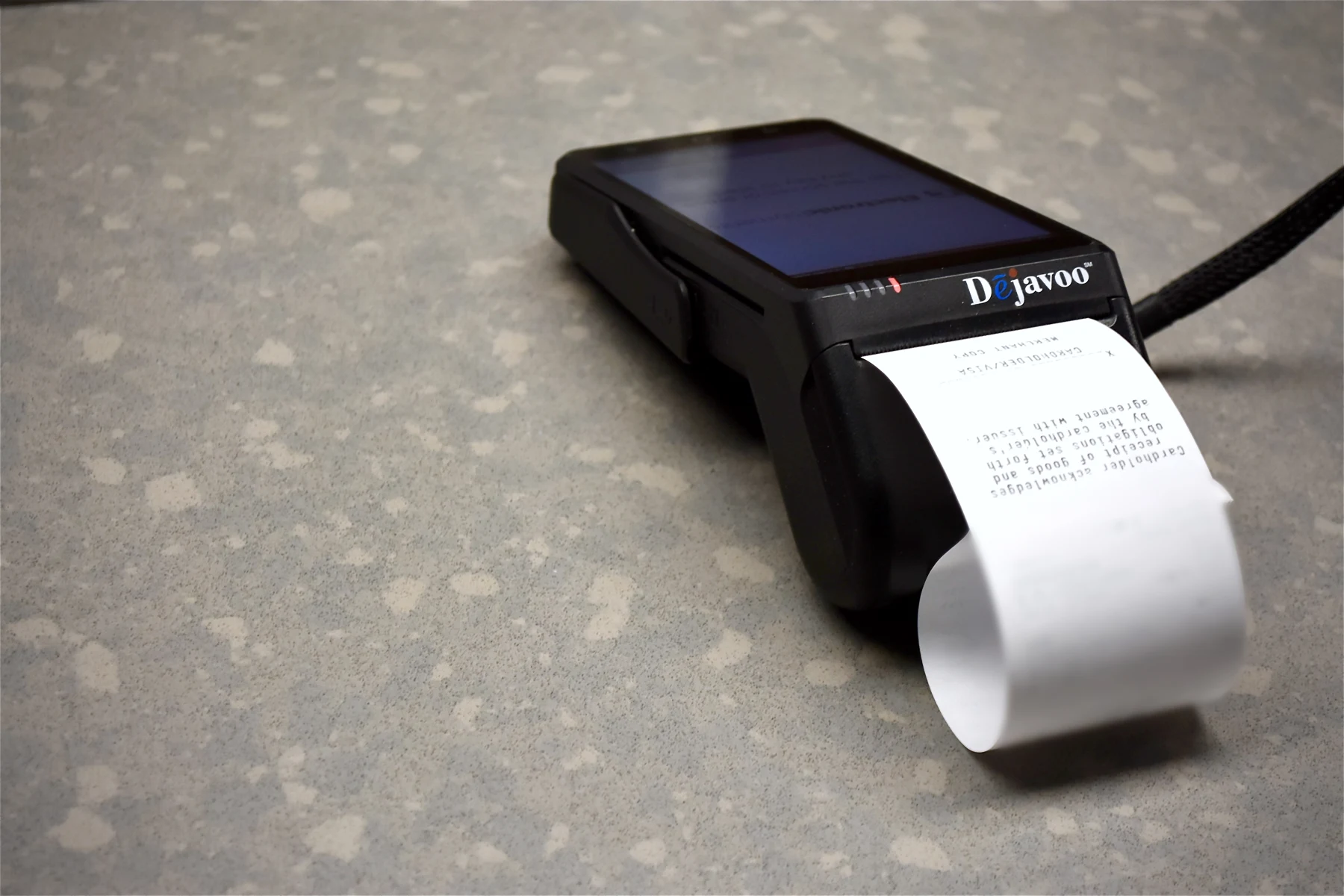
What the right setup can bring together
We confirm phone and software compatibility for the service.
See how supported contactless acceptance fits your customers and team.
Review receipts, reporting and connectivity before getting started.
Tap to Pay / A closer look
We confirm phone and software compatibility for the service.
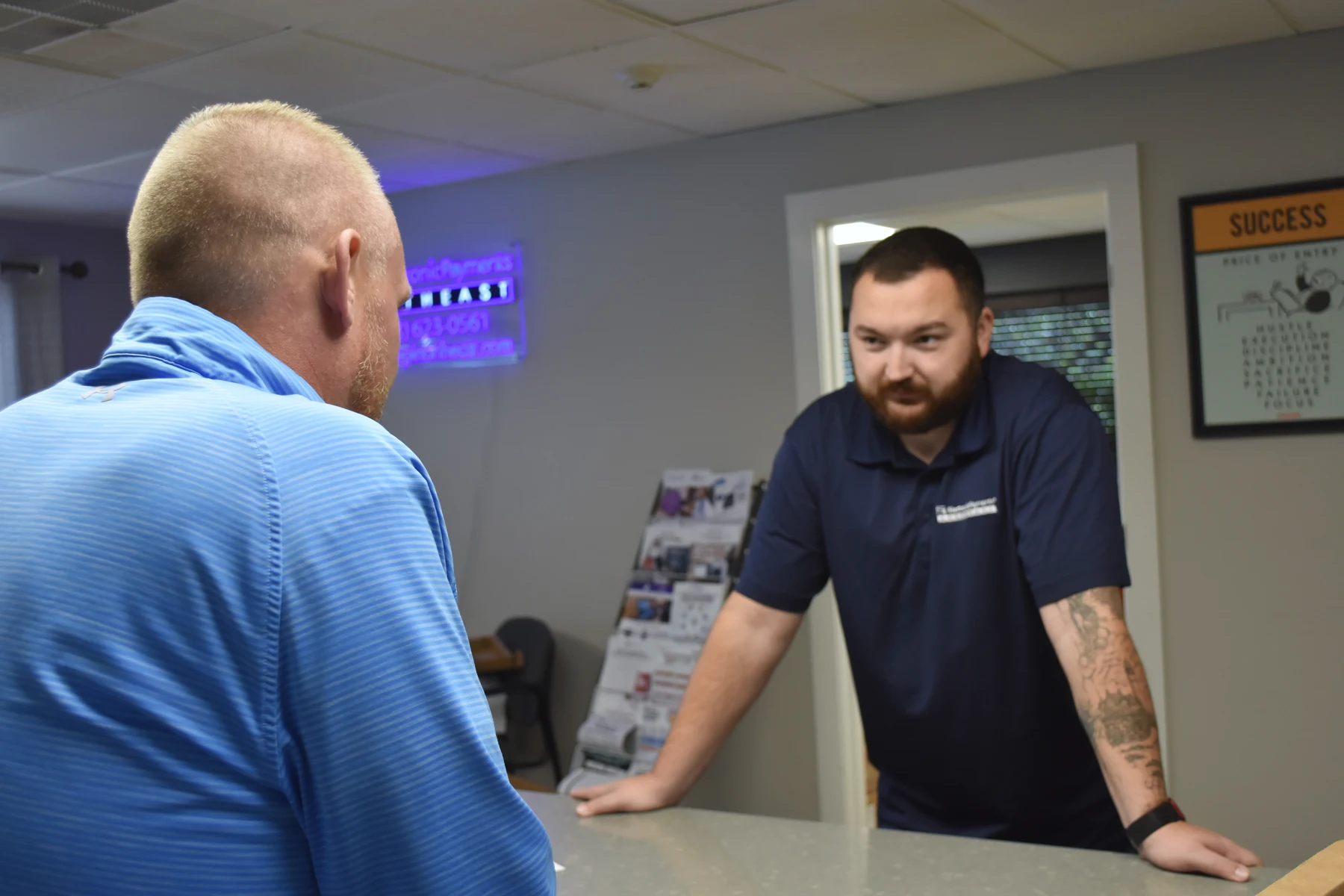
Tap to Pay / A closer look
See how supported contactless acceptance fits your customers and team.
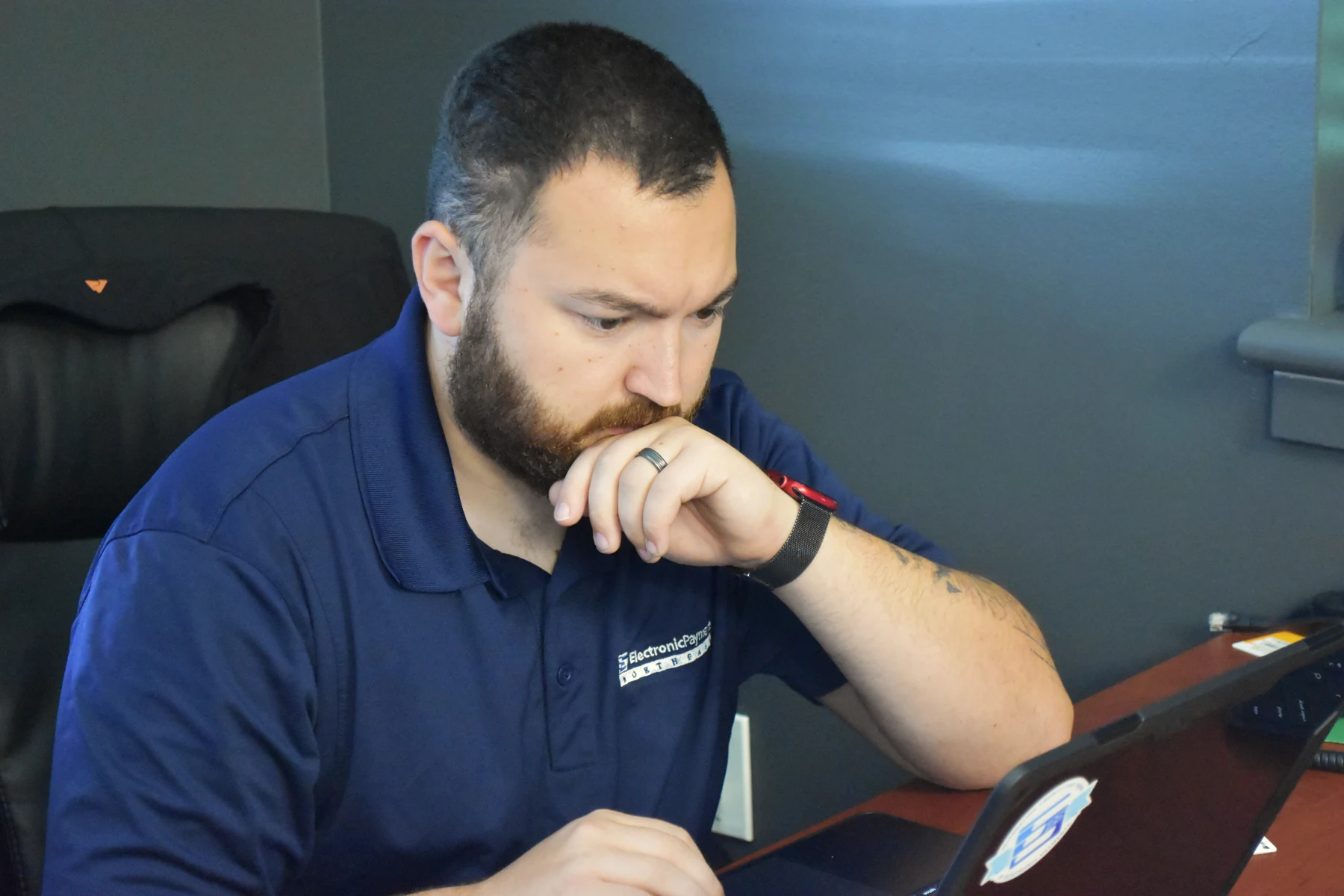
Tap to Pay / A closer look
Review receipts, reporting and connectivity before getting started.
The EPI Northeast difference
Get a local partner who takes the time to understand your business, explain the options and help your team feel comfortable with the setup.
We’ve got answers
Start with the way you serve customers and the tools you already use. We’ll review the relevant features, your exact equipment or software and the workflow you want to improve.
Ask us to arrange a guided walkthrough. We’re developing our Hooksett showroom, so we confirm the equipment and demonstrations available before your visit.
Your proposal explains the relevant equipment, processing, software, gateway and integration costs. Features and availability depend on the configuration you select.
Your local Electronic Payments Northeast team can help with setup, training and ongoing questions. Technical support is also available at 800-966-5520.
A practical next step
We’ll review your business, answer your Tap to Pay questions and discuss the right configuration. Choose a consultation time, or send us an inquiry.